
Clor Books
Accounting that already knows GST.
Raise GST invoices, e-invoices and e-way bills, keep stock across warehouses, reconcile the bank and close the month — with the ledger posting itself as you work.
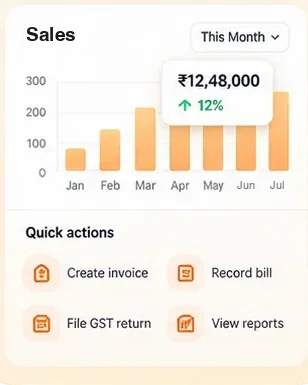
- Invoices
- Bills
- GST
- Reports

Why Books
What it fixes
Invoices in one tool, books in another
Every invoice, bill, receipt and stock movement posts its own journal, so the books are never a month behind the business.
GST filing as a monthly scramble
GSTR-1 and GSTR-3B are built from the documents you already raised, with e-invoice and e-way bill details kept on each one.
Payments chased by phone
Send a reminder with a link that opens the invoice, and a UPI payment link that closes with it.
Inside the app
What’s in Books
- Sales
- Quotations, sales orders, delivery challans, invoices, credit notes and recurring invoices.
- Purchases
- Purchase orders, bills, debit notes and expenses, with TDS where it applies.
- Inventory
- Items, warehouses, transfers, batches and serial numbers, valued as stock moves.
- Banking
- Bank and cash books, receipts and payments, and bank reconciliation.
- GST
- e-Invoices, e-way bills, GSTR-1 and GSTR-3B, from the documents themselves.
- Reports
- Profit and loss, balance sheet, trial balance and the day book, by branch.
A day in it
From a sale to the ledger
Raise the invoice
GST is worked out from the place of supply; the e-invoice is generated with it.
Send it
The customer gets a link to the invoice and, if you use UPI, a link to pay.
Record the receipt
Allocate it against the invoice; the balance and the ledger update together.
File
The month’s returns are already made from what was raised.
Better together
Books and the other Clor apps
Books works on its own. When you use the others too, these links work for you.
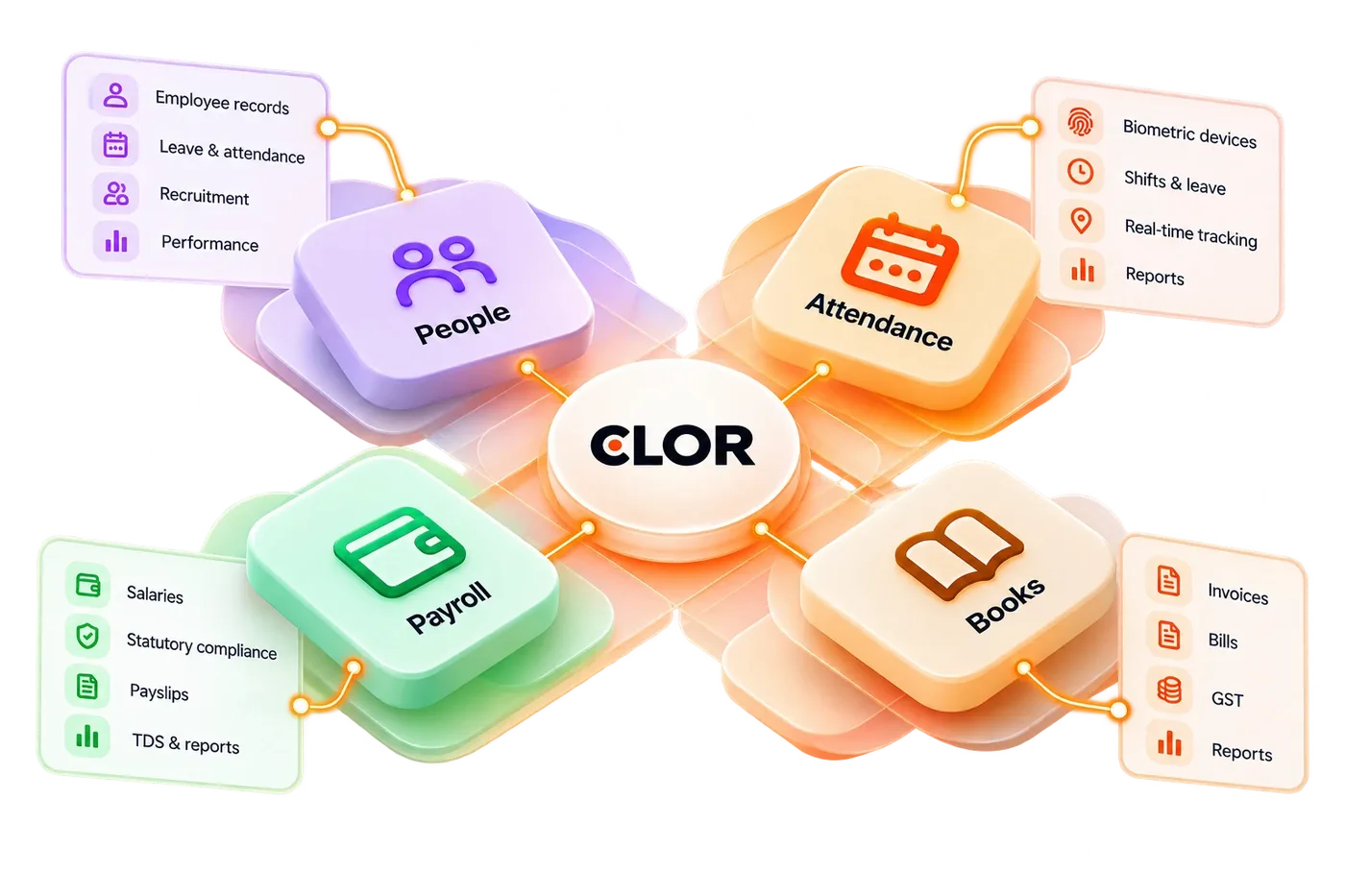
Locking a pay run posts its journal to Books; paying salaries posts the payment.
Clor Payroll
Anywhere you work
Books on every device
In the browser on any computer, and in the Clor app on your phone. Sign in once; Books and your other apps follow you.

How it works
Get started in minutes.
Create your workspace
Sign up and create your account.
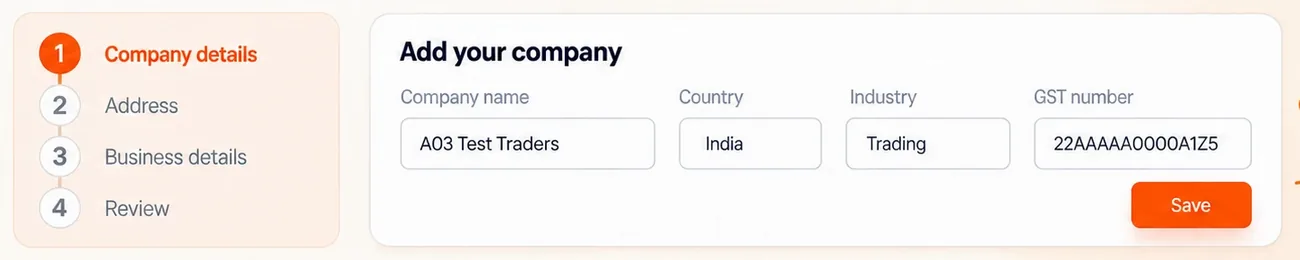
Set up your company
Add your company details and structure.
Choose your applications
Select the apps you need.
Invite your team
Add members and assign access.
Start working
Go live and manage your business.
Access
Who sees what
Owners and accountants see everything; a salesperson can be limited to their own customers and documents, a branch to its own books. Approvals can sit in front of invoices above an amount.
Trust and security
Your data. Always protected.
Built with security, privacy and compliance at the core.
Tenant isolation
Your data stays separate and secure.
Scoped access
Role-based permissions across all applications.
Audit and control
Track activity and manage access.
Secure infrastructure
Built on modern, reliable cloud platform.
Questions people ask
Can I bring my data from Tally?
Yes. Masters and opening balances can be imported, and the Tally connector can keep Tally in step while you move.
Does it handle more than one branch or GSTIN?
Yes. Each branch keeps its own GSTIN, series and stock, and reports can be read per branch or together.
Can my accountant work in it?
Yes. Invite them from your Workspace (Access › Invitations) with their own login; you decide what they can see and change, and can end it at any time.
Try Books with your own data.
Create a workspace, switch on the app and invite the people who will use it.